Telegram bots & Mini Appsfor your business
Your customers are already on Telegram. A bot takes orders, books appointments, answers questions and hands ready leads to a manager, at any hour.
- Russian, Uzbek and English languages
- Payme, Click and Uzum payments in the bot
- CRM and Google Sheets integration
- Support and development after launch
Problems we solve
Managers reply with a delay
Messages arrive in the evening and at night, the reply comes hours later, and the customer goes to whoever answered first.
Leads get lost in chats
Orders and questions are scattered across private chats with no single database or history of requests.
Routine eats the team's time
Managers answer the same questions again and again instead of working with customers.
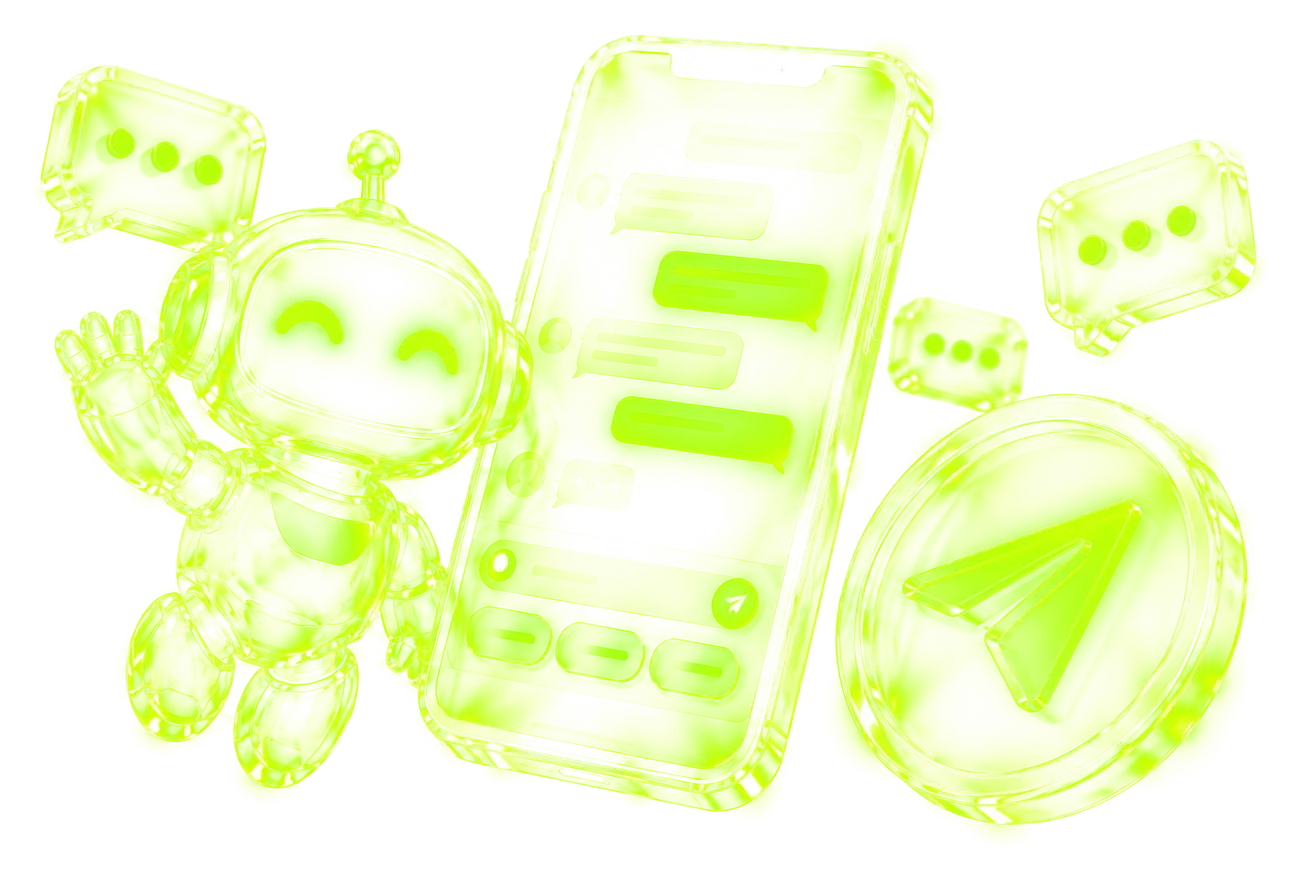
A Telegram bot closes this gap: it replies instantly, runs the conversation, collects customer details and hands the manager a ready lead with a name, a request and the chat history. A Mini App adds a full interface inside Telegram: catalog, cart and payment.
A dialog with the bot from a question to a request

The customer writes to the bot
Finds it by a link, a QR code or in your profile

The bot leads the dialog
Asks questions with buttons and collects details

Payment
Payme, Click or Uzum, if needed

A request in the CRM
The customer's details and choice land in your system

The manager gets it
A notification in Telegram and a confirmation to the customer
What we can build


Booking and order bots
Booking, order intake and reservations around the clock, plus reminders to customers.


Telegram Mini Apps
Web apps inside Telegram: catalog, cart, payment and a customer account with nothing to install.


A store in Telegram
Product showcase, cart, checkout and payment in a single chat.

Lead routing
Automatic collection of requests and distribution among available managers.

Broadcasts & notifications
Messages to customer segments, order statuses and visit reminders.


Admin panel & analytics
Manage the bot content and see order and request statistics.
What we connect

Payme
Payment for an order in the bot or a Mini App with automatic confirmation.

Click
Payment through Click, the order status updates by itself.

Uzum
Payment through Uzum, confirmation arrives automatically.

AmoCRM
Requests from the bot land in the CRM as deals.

Bitrix24
Requests and orders land in Bitrix24 as leads and deals.

SMS
Confirmation codes and SMS notifications to customers.

Google Sheets
Orders and requests are exported to a spreadsheet, and the catalog can be updated from it.

Maps and geolocation
Customer addresses, points on a map and delivery calculation.

Your server and API
Data exchange with your website, accounting system and other services.

Accounting and stock
Exchange of products, stock and orders with your accounting system, if it has an open API.

Your website
Orders and requests from the site arrive in the bot and back.

AI assistant
The bot answers questions from your knowledge base (connected as a separate solution).
Work stages

Brief and scenarios
We describe the customer's path in the bot: what they ask, what they choose, where they pay, where the request goes. We decide whether a bot is enough or a Mini App is needed.

Design and prototype
We draw the menu, the texts and the Mini App screens. You see how the bot will look before development starts.

Development and testing
We build the bot and the server side, connect payments and the CRM, and check everything on test orders.

Launch and support
We deploy the bot on a server, hand over the source code and access to you, show you how to manage it and stay in touch.
What it costs
We name the exact price and timeline after a short brief, once the scope is clear. The final price depends on:
How payment works
Describe your task — we estimate for free
Leave your contact and a few words about the task. We reply within a few hours.
Frequently asked questions
How long does it take to build a bot?
How is a bot different from a Mini App?
Who owns the bot?
How does payment in a bot work?
Can I send broadcasts to customers?
Can the bot be connected to a CRM or a website?
Can the bot answer questions with AI?
What do you need from me to start?
What happens after launch?
Other services

Websites & web platforms
Landing pages, corporate sites, online stores, SaaS and LMS
Learn more →
Mobile apps
Cross-platform iOS and Android apps built with Flutter
Learn more →
AI assistants & document processing
Neural-network chatbots, invoice and contract recognition
Learn more →
CRM, ERP & automation
Custom CRM/ERP, admin panels, dashboards and RPA
Learn more →
Payments & integrations
Payme, Click, Uzum, AmoCRM, Bitrix24, SMS and APIs
Learn more →Need something special?
Tell us about the task and we will suggest a solution for your business.
Discuss a project →
Tell us about the task —
we'll suggest a solution
We reply within a few hours and suggest a solution for free.
Fill in the brief →Or write to us right away on Telegram